QuickBooks
Accounting
NetSuite
ERP
Sage Intact
Accounting
Xero
Accounting
ADP
HR & Payrol
Workday
HR & Finance
Gusto
HR & Payroll

Why Choose Personalized Expense Management?
ExpenseVisor has been serving businesses from 10 to 25,000 users with a proven, flexible expense management platform that grows with you.
Tailor expense reporting workflows to your specific business needs no rigid one-size-fits-all approach.
Gain immediate access to expense data and spending patterns to make informed financial decisions.
Round-the-clock support from real people — your team can resolve any issue quickly with personal attention.
Enterprise-grade data security with comprehensive audit trails, ensuring compliance with industry regulations.

Powerful Tools to Simplify Expense Management
ExpenseVisor DocScan
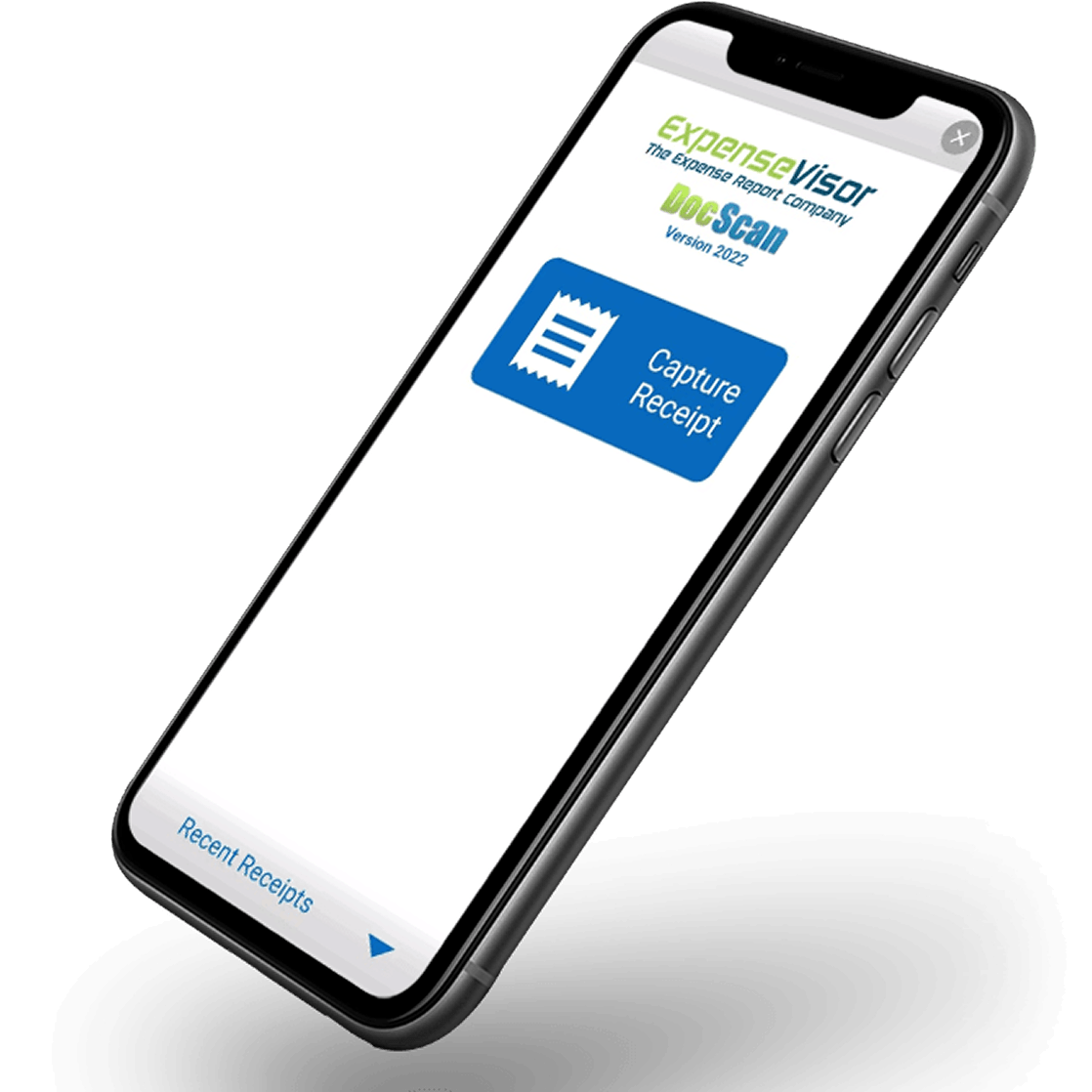
ExpenseVisor DocScan is an integrated receipt scanner app that simplifies expense receipt management by allowing users to instantly capture expenses and upload receipts. This automation enhances accuracy, streamlines expense tracking.
Receipt Tracking
Manage and store digital expense receipts effortlessly by automating the validation of receipts against expense entries. This ensures accuracy, compliance, and audit readiness, reducing the risk of human error in reporting.
Reporting Automation
Simplify the reporting process by automatically generating expense reports based on captured data. This feature reduces manual input, minimizes errors, and speeds up the approval process, ensuring timely reimbursements and streamlined financial operations.
Spend Pre-Approval Feature
Helps the management to control expenses and forecast financials, ensuring accountability and cost efficiency. Supports Cost savings, streamlined processes, and improved financial forecasting, ensuring better oversight and efficiency in expense management.
Executive Assistant Feature
Allows secure assigning of expense management tasks to employees without compromising executive access. Employees can manage and submit reports, while executives retain control over approvals, ensuring efficient workflow and accountability with enhanced security.
The Workflow Bump Feature
The Workflow Bump Feature is an excellent tool for streamlining the expense report approval process. It is automated and works by automatically escalating or “bumping” expense reports to the next level of approval if they remain unapproved after a predetermined period.
Flexible Plans for Every Organization
Discover the ultimate solution for tracking, reporting, and analyzing expenses. Our subscription plans are designed to provide you with the right package to simplify financial management, providing real-time insights and scalable tools that save time and improve decision-making for you and your team.
Monthly
Premium
Experience seamless expense management with our all-in-one plan
Whats Included
- Unlimited DocScans with automated data extraction
- Expense approvals
- Customizable dashboards
- Integration with third-party tools
- Audit-ready reports
- Employee access delegation
- Custom workflow automation
- Custom insights and reporting
- Expense reporting policy compliance
- Real-time policy violation checks
- Custom workflow automation
- Mobile access
$75 Minimum
Annually
Premium+
For larger teams, ExpenseVisor offers tailored solutions to meet your unique needs.
Customize Your Plan
- Everything included in Premium Plan
- Admin-enforced controls
- Advanced Role-Based Permissions
- Custom Integrations
- Scalable Support
- Mileage & Per Diem tracking
- Bill pay and invoicing
- Bulk Expense Uploads
- Custom employee categories and expense fields
- Priority support and training sessions
- Multiple expense approvers
- Advanced analytics and reporting
For 25+ members only
Expense Management in 4 Simple Steps
From capturing a receipt to getting reimbursed, ExpenseVisor automates the entire
workflow so your team can focus on what matters.

Capture Receipts
Snap a photo with DocScan, forward an email, or upload files. AI extracts all details instantly.

Auto-Generate Reports
Expenses are automatically categorized and compiled into reports, ready for submission.

Approve & Comply
Managers approve with one click. Workflow Bump auto-escalates if pending too long — zero bottlenecks.

Reimburse & Sync
Approved expenses sync to your accounting software and employees get reimbursed.

Hear from Our Valued Clients
Businesses of all sizes trust ExpenseVisor to simplify their expense management.


This company has been our partner for two years. They take full responsibility for all assigned tasks and perform the work efficiently and on time. This company has competent employees, discipline, and a strong team spirit.

Jennifer Lee
Business Owner
This company has been our partner for two years. They take full responsibility for all assigned tasks and perform the work efficiently and on time. This company has competent employees, discipline, and a strong team spirit.
Jennifer Lee
Business Owner
This company has been our partner for two years. They take full responsibility for all assigned tasks and perform the work efficiently and on time. This company has competent employees, discipline, and a strong team spirit.
Jennifer Lee
Business Owner
Ready to Take Control of Your Expense Management
Discover how ExpenseVisor can simplify your financial workflows and save your team valuable time. We look forward to showing you how ExpenseVisor can support your business.
- Pick a convenient date and time.
- Provide your basic details.
- Confirm your appointment instantly by getting an email.
Frequently Asked Questions
ExpenseVisor connects seamlessly with the accounting, HR, and ERP tools your business already uses.
To get started with ExpenseVisor, request a demo or contact our sales team to discuss your requirements.
No additional cost is required because there is no need to install expensive hardware or acquire complicated IT maintenance. Just reach out to our team, and we’ll find you the best option for your needs.
Yes, we keep all the details and records of your expenses, which is excellent for audits and compliance.
Yes! You can use ExpenseVisor on your phone, allowing you to manage expenses, snap photos of receipts, and submit reports from anywhere.
We provide flexible customization options to tailor the software to your needs.
You can always email us if you face any problems. Our team is committed to timely responses and practical solutions to your inquiries and issues.
If an expense report isn’t approved in time, the Workflow Bump Feature automatically moves it to the next level. This helps ensure reports get processed quickly, reducing delays.
To get started with ExpenseVisor, request a demo or contact our sales team to discuss your requirements.
No additional cost is required because there is no need to install expensive hardware or acquire complicated IT maintenance. Just reach out to our team, and we’ll find you the best option for your needs.
Yes, we keep all the details and records of your expenses, which is excellent for audits and compliance.
Yes! You can use ExpenseVisor on your phone, allowing you to manage expenses, snap photos of receipts, and submit reports from anywhere.
We provide flexible customization options to tailor the software to your needs.
You can always email us if you face any problems. Our team is committed to timely responses and practical solutions to your inquiries and issues.
If an expense report isn’t approved in time, the Workflow Bump Feature automatically moves it to the next level. This helps ensure reports get processed quickly, reducing delays.
To get started with ExpenseVisor, request a demo or contact our sales team to discuss your requirements.
No additional cost is required because there is no need to install expensive hardware or acquire complicated IT maintenance. Just reach out to our team, and we’ll find you the best option for your needs.
Yes, we keep all the details and records of your expenses, which is excellent for audits and compliance.
Yes! You can use ExpenseVisor on your phone, allowing you to manage expenses, snap photos of receipts, and submit reports from anywhere.
We provide flexible customization options to tailor the software to your needs.
You can always email us if you face any problems. Our team is committed to timely responses and practical solutions to your inquiries and issues.
If an expense report isn’t approved in time, the Workflow Bump Feature automatically moves it to the next level. This helps ensure reports get processed quickly, reducing delays.
To get started with ExpenseVisor, request a demo or contact our sales team to discuss your requirements.
No additional cost is required because there is no need to install expensive hardware or acquire complicated IT maintenance. Just reach out to our team, and we’ll find you the best option for your needs.
Yes, we keep all the details and records of your expenses, which is excellent for audits and compliance.
Yes! You can use ExpenseVisor on your phone, allowing you to manage expenses, snap photos of receipts, and submit reports from anywhere.
We provide flexible customization options to tailor the software to your needs.
You can always email us if you face any problems. Our team is committed to timely responses and practical solutions to your inquiries and issues.
If an expense report isn’t approved in time, the Workflow Bump Feature automatically moves it to the next level. This helps ensure reports get processed quickly, reducing delays.
Valuable insights that
Empower your decision-making
ExpenseVisor connects seamlessly with the accounting, HR, and ERP tools your business already uses.



Take control of mobile expenses today.
Keep your receipts organized in seconds. Download DocScan and track your expenses anytime, anywhere.